How to Use DiDi as a Foreigner in China (2026): Setup, Booking and Payment
DiDi is the dominant ride-hailing service in China and the simplest way to get a licensed car when the metro is inconvenient. Visitors do not need a Chinese bank account or a standalone app: DiDi runs as a mini-program inside Alipay and WeChat, which means an already-verified wallet is enough. This guide covers setup, the booking flow, what the car types mean and how to handle the small communication gaps.
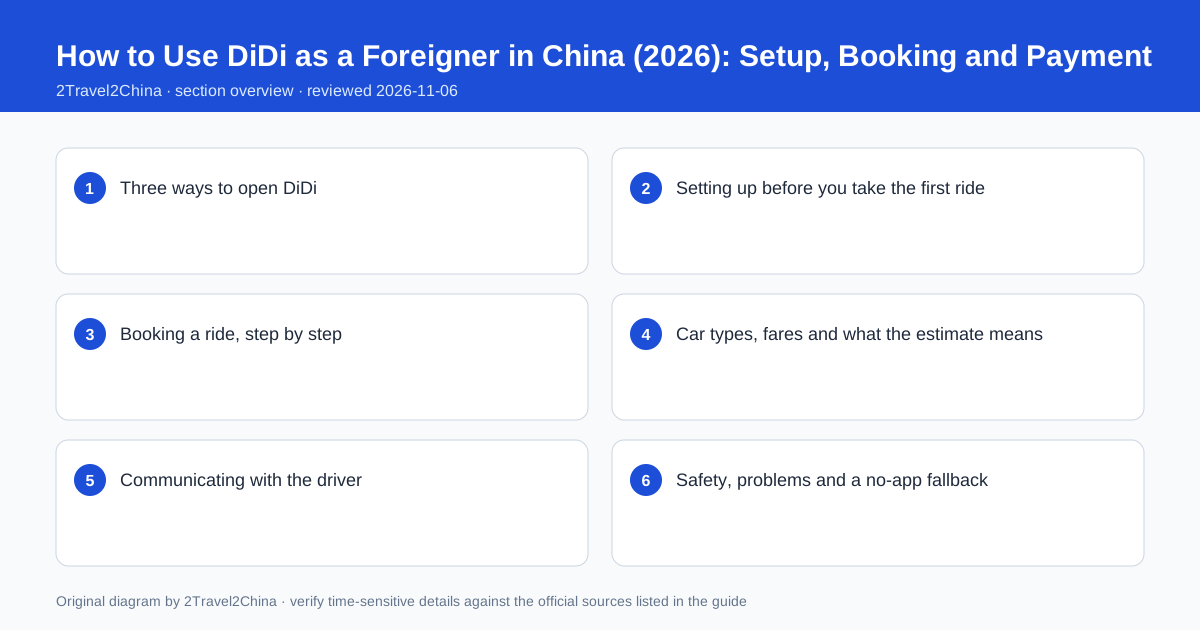
Three ways to open DiDi
There are three routes into the same service. The standalone DiDi app is the fullest version but expects a mainland mobile number and is the most work to set up. The DiDi mini-program inside Alipay uses the wallet’s verified identity and linked foreign card. The equivalent mini-program inside WeChat does the same through WeChat Pay. For a short visit, the mini-program route is almost always the right choice: no new account, no separate verification, and payment settles through a wallet you have already configured.
| Route | Setup effort | Best for |
|---|---|---|
| DiDi standalone app | Mainland number, separate account | Residents and frequent long-stay users |
| Alipay mini-program | Uses the verified Alipay account | Visitors who set up Alipay before arrival |
| WeChat mini-program | Uses the verified WeChat account | Visitors who prefer WeChat Pay |
| Hotel-arranged car | No setup at all | Airport arrivals and late nights |
| Licensed street taxi | No setup, cash or wallet | Short hops and a dead phone |
Search for the service inside the wallet rather than downloading anything. Alipay and WeChat both surface ride-hailing under transport or a searchable mini-program directory. The first launch asks for location permission and confirms the payment method; grant location while the phone has a good data connection. If you have both wallets, note which one you used, because the trip history and any receipt live in that wallet rather than in a separate DiDi account.
Setting up before you take the first ride
A workable setup needs three things: a verified wallet identity, a working payment method and a phone number that can receive calls or messages. The passport record inside Alipay or WeChat must be current, because the same account handles the fare. A foreign card linked to the wallet is sufficient for payment. A mainland number is ideal because drivers use it to call about the pickup point, but a roaming home number can work if you enable it and can receive calls.
Verify the wallet identity
Confirm the passport name and expiry are current in Alipay or WeChat.
Link and test a foreign card
Make one small payment before the trip so a bank block is found early.
Enable a reachable phone number
Roaming on the home SIM or a mainland SIM; drivers may call about pickup.
Grant location access
Allow precise location while connected to reliable data.
Save the hotel address in Chinese
Copy it from the booking confirmation for accurate pin placement.
The address field is where most first rides go wrong. Pasting an English hotel name may not resolve to a precise map pin, while the Chinese address from the booking confirmation usually does. Save two or three fixed locations — hotel, main railway station, airport terminal — in Chinese before you need them. It removes the hardest part of the booking flow at the exact moment you are tired, carrying bags or standing in the rain.
Booking a ride, step by step
Open the mini-program, confirm or adjust the pickup pin, enter the destination, choose a car type and submit. The app shows an estimated fare, the wait time and, once matched, the driver’s name, vehicle model, plate number and rating. Watch the map for a moment: if the pickup pin is on the wrong side of a large interchange or on the wrong terminal, cancel within the free window and place a new order rather than trying to redirect the driver by message.
- Check the pickup pin against a landmark you can actually see
- Confirm the destination pin resolves to the right entrance of a large site
- Compare the estimated fare and wait time across car types
- Verify the plate number and model before getting in
- Use the in-app share-trip feature for a late or unfamiliar route
Large railway stations, airports and shopping complexes have several named pickup zones. The in-app instructions often point to a numbered meeting point on a specific floor; follow them rather than waiting at the nearest kerb. If the driver calls and you do not share a language, the in-app translated message templates handle the common cases — "I am at the entrance", "please wait", "I cannot find the car" — better than an improvised voice call.
Car types, fares and what the estimate means
The menu usually starts with an economy option and moves through comfort, premium and larger vehicles, plus a carpool option in some cities. For one or two people with modest luggage, the economy tier is fine. Four people with suitcases need a larger class, and requesting the cheapest car for that group is a common cause of a cancelled order. The displayed price is an estimate based on distance, time and current demand; the final fare can move with traffic or a changed route.
| Option | When to choose it | Watch for |
|---|---|---|
| Economy | One or two people, little luggage | Small boot; tight with large suitcases |
| Comfort / premium | Longer cross-town trips, more space | Higher base fare and wait time |
| Six-seat / larger | Group of four with bags | Fewer cars, longer wait |
| Carpool | Solo, flexible on time | Detours for other passengers |
| Taxi hailed in app | Where a meter is preferable | Different fare rules from ride-hailing |
Surge pricing appears around rain, rush hour, concert finishes and the last trains. If the estimate looks high, wait ten minutes or walk to a quieter pickup street. Tolls, parking and any airport fee may be added separately and are shown in the final breakdown. Keep the receipt in the wallet: it includes the plate, the route and the time, which makes a forgotten bag or a disputed charge much easier to resolve.
Communicating with the driver
Most drivers do not speak conversational English and most visitors do not speak conversational Chinese, yet the vast majority of rides complete without any conversation at all. The app already holds the pickup, the destination and the route. Communication is only needed for a pin problem, a gate or a change of plan. In-app translated messages are better than a phone call because both sides see the written text and the translation is recorded.
- Use the in-app translated message templates rather than calling first
- Show a written Chinese address when giving a verbal instruction
- Keep the destination unchanged in the app; do not negotiate a new route verbally
- Use the share-trip link if someone is waiting for you
- Confirm the plate number visually before opening the door
If a driver calls and the call is not useful, end it politely and send a template message. Do not accept a suggestion to cancel the app order and pay privately: it removes the trip record, the route and the platform’s safety features, and it is the common thread in most overcharging complaints. Keeping everything inside the app is the simplest protection a visitor has.
Safety, problems and a no-app fallback
The in-app record is the main safety mechanism. Check the plate, use the share-trip feature for a long or late ride, and keep the receipt. If an item is left behind, the wallet’s trip history gives the plate, time and route, and the platform can contact the driver. A charge that looks wrong can be queried through the same record with the route and timestamp attached.
Before the ride
Confirm plate, model and driver rating shown in the app.
During the ride
Follow the route on the map; use share-trip for late or unfamiliar journeys.
If the pin is wrong
Cancel in the free window and reorder rather than redirecting verbally.
If something is left behind
Open the trip receipt for plate and time, then use the lost-item flow.
If payment looks wrong
Query it with the receipt rather than disputing it through the card issuer first.
Keep a no-app fallback for the two cases where the whole chain fails: a dead phone and a verification code that cannot arrive. Licensed taxi ranks at airports, railway stations and large hotels are staffed, and a written Chinese address plus a small amount of RMB cash will get you to the door. Hotel front desks can also arrange a fixed-price car. Neither requires a wallet, a mainland number or a data connection.
Ride-hailing products, car classes, pricing and in-app features vary by city and change over time. Confirm the current interface and fare rules inside the app, and use licensed transport rather than any off-platform arrangement.
Frequently asked questions
Can I use DiDi without a Chinese phone number?
Usually yes through the Alipay or WeChat mini-program, which uses your verified wallet identity. A reachable number helps because drivers may call about the pickup point, so enable roaming on your home SIM or use a mainland SIM.
Do I need a Chinese bank account to pay for DiDi?
No. A foreign card linked inside Alipay or WeChat Pay settles the fare through the mini-program. Make one small payment before your first ride to confirm the card is not blocked.
Which DiDi car type should I choose with luggage?
Economy suits one or two people with a small bag. Four people with suitcases should choose a larger class, because requesting the cheapest car for that group often leads to a cancelled order.
What if the driver cannot find me?
Use the in-app translated message templates and a written Chinese landmark. If the pickup pin is clearly wrong, cancel within the free window and reorder from a precise location.
Should I pay the driver directly if they ask to cancel the app order?
No. Keep everything inside the app so the plate, route, time and receipt remain recorded. Off-platform payment removes the trip record and the platform’s protections.