eSIM for China Compared: Roaming, Local Data and What Actually Works (2026)
A travel eSIM is the easiest way to have data the moment you land in China, but it is not automatically the right one. Some products route traffic outside the mainland, some cannot receive SMS, and none gives you a mainland mobile number by default. That matters when a payment app, a rail booking or a hotel needs a verification code. This guide compares the three real options and shows which setup survives a full trip.
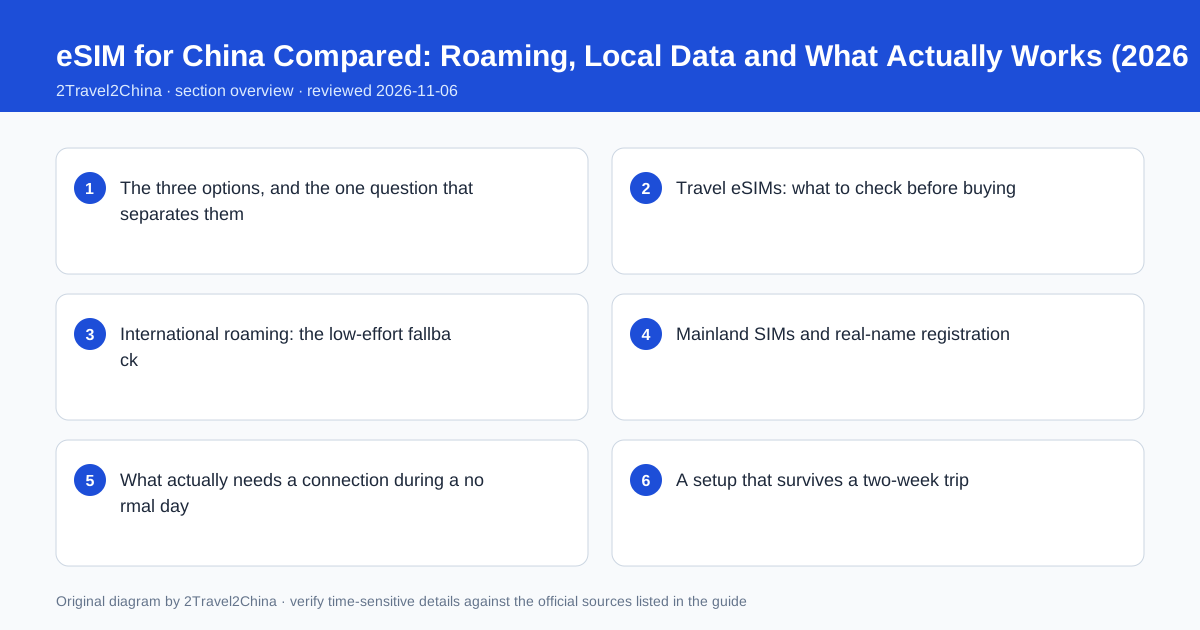
The three options, and the one question that separates them
Visitors choose between an international roaming plan from their home carrier, a travel eSIM bought online, and a physical mainland SIM registered against a passport. All three can provide data. The question that separates them is whether you also need a reachable mainland number and short-message verification. A wallet, a rail account or a delivery booking may ask for a number that can receive a code; a data-only eSIM cannot supply one.
| Option | Data | SMS and local number |
|---|---|---|
| Home roaming | Usually reliable, often expensive | Home number works if roaming and SMS are enabled |
| Travel eSIM | Convenient, installable before departure | Usually data-only; no mainland number |
| Mainland SIM | Cheap local data | Local number and SMS, registered to your passport |
| Airport or hotel Wi-Fi | Free but not continuous | No number, no coverage between places |
| Combination | eSIM plus roaming home SIM | Data from one, verification codes from the other |
The combination is often the most robust: a travel eSIM or mainland SIM for cheap data, and the home SIM left active for incoming verification codes from a bank or an app you set up at home. That requires a phone that supports two active lines, and it requires enabling roaming on the home line. Check the device’s eSIM and dual-SIM capability before buying anything, because a phone locked to a single carrier may not accept a travel eSIM at all.
Travel eSIMs: what to check before buying
Read the product description for three things: whether the plan covers mainland China, whether traffic is routed through a regional or overseas gateway, and whether voice or SMS is included. Some regional plans explicitly exclude the mainland, and a plan that routes data outside the mainland behaves differently on domestic sites and apps than one with a local gateway. A data-only plan is fine for maps and messaging but will not receive a verification code.
- Confirm mainland China is included, not just "Asia" or "Greater China"
- Check whether the plan includes a phone number or is data-only
- Check the stated routing and any fair-use data cap
- Confirm the validity period starts on the day you need it, not on purchase
- Verify the phone is unlocked and supports eSIM activation
Install the eSIM before departure while you have reliable Wi-Fi, but do not switch it on until you are ready to use it. Keep the QR code and the provider’s support contact offline, because the one moment you cannot search for help is the moment activation fails. A plan that starts its validity clock at purchase rather than at first connection can expire before a long trip ends, so check that detail explicitly.
International roaming: the low-effort fallback
Roaming from a home carrier is the least work and often the most expensive. Its strength is continuity: the same number keeps receiving calls and SMS, bank verification codes arrive as usual, and there is nothing to install at the airport. For a short business trip, or for a traveller whose bank insists on SMS approval for every card transaction, that continuity can be worth the daily fee. It is also the best fallback if an eSIM fails to activate.
| Consideration | Roaming | Travel eSIM |
|---|---|---|
| Setup | None beyond enabling roaming | Buy, scan QR, configure APN |
| Home number | Fully reachable | Usually not included |
| Cost | Often a fixed daily charge | Usually a fixed data allowance |
| Failure mode | Carrier agreement or cap | Activation, APN or coverage gap |
| Best use | Short trips, bank SMS, backup | Longer trips, cheap data |
Check the daily cap and what happens when it is reached. Some carriers stop data entirely, others throttle it to a speed that makes maps unusable. Also check whether the roaming agreement covers the specific mainland networks your phone will attach to. A roaming plan that works for calls but not for data is a subtle and annoying failure, so test both after landing rather than assuming the first successful message means the connection is complete.
Mainland SIMs and real-name registration
A mainland SIM is registered against a passport under real-name rules. Buy it at an official carrier store rather than a kiosk that cannot complete the registration properly, bring the physical passport, and ask the staff to confirm that the plan is active, that data works and that the number can receive SMS before you leave the counter. A local number removes most verification friction and is useful for hotel bookings, rail accounts and deliveries.
Find an official carrier store
Look for a branded branch at the airport or in the city, not a reseller desk.
Present the passport
The name and number must match the travel document used at the border.
Choose a short-term plan
Ask for a visitor plan with data and a reachable number.
Test everything at the counter
Load a web page, receive an SMS and confirm the number is printed on the receipt.
Keep the receipt
It records the number and the plan if the SIM needs replacing.
The trade-off is time at the beginning of the trip and the loss of the home number on that line. On a dual-SIM phone, keep the home SIM active for bank codes and use the mainland line for data. If the phone has only one slot, decide which is more important: uninterrupted data or uninterrupted access to home-number verification codes. For most visitors with a properly configured wallet, data wins; for anyone whose bank still relies on SMS, the home number wins.
What actually needs a connection during a normal day
It is worth listing the dependencies rather than assuming "internet". Payments need a wallet that can reach its server, but small-value QR transactions sometimes settle with a brief delay. Maps need data for live routing, though an offline map covers the street grid. Rail tickets need the 12306 app or a website at the booking stage, and the passport at the gate. Ride-hailing needs data at both ends. Translation apps need it unless the offline language pack is installed.
- Download offline maps and the Chinese language pack for a translation app
- Save hotel, station and airport addresses in Chinese as plain text
- Keep offline copies of bookings, tickets and the passport page
- Verify both payment wallets before leaving home, where bank codes arrive
- Carry a small power bank; a dead phone removes every one of these tools
A power bank is an underrated part of connectivity planning. A full day of maps, QR payments and translation drains a phone faster than a normal day at home, and the failure mode is total: no payment, no map, no ride home. A small battery and a short cable weigh less than the cash you would otherwise carry for the same contingency.
A setup that survives a two-week trip
For a typical first trip, the resilient setup is a verified Alipay and WeChat Pay account on a dual-SIM phone, a travel eSIM or mainland SIM for data, the home SIM left active for verification codes, offline maps and translation packs, and a written list of addresses in Chinese. It costs an hour before departure and removes almost every connectivity problem that otherwise appears at the worst possible moment.
Before departure
Verify both wallets, link two cards, enable roaming on the home SIM.
Install offline assets
Maps, Chinese translation pack, addresses in Chinese, document copies.
Choose data
eSIM for convenience, mainland SIM if a local number is needed.
On arrival
Confirm data works, test a small payment, check the home line can receive SMS.
Keep a fallback
A little RMB cash and a written hotel address work with no phone at all.
Do not build the trip around a single overseas service or a single access arrangement. Roaming agreements, eSIM products and app verification policies change, and a plan that worked for a friend six months ago may behave differently now. Check the current offer from the provider, and confirm the current entry and connectivity rules against official sources before departure rather than relying on a forum post.
Roaming agreements, eSIM coverage and app verification policies change frequently. This guide compares the trade-offs, not a specific product. Confirm the current plan terms with the provider and check first-party carrier and government sources before you rely on any particular arrangement.
Frequently asked questions
Will a travel eSIM give me a Chinese phone number?
Usually not. Most travel eSIMs are data-only. If you need a reachable number for verification codes or hotel bookings, use a mainland SIM registered to your passport or keep your home SIM roaming.
Is roaming or an eSIM cheaper for China?
An eSIM with a fixed data allowance is usually cheaper for a longer trip, while roaming often charges a daily fee. Roaming wins on continuity because your home number keeps receiving bank verification codes.
Do I need a passport to buy a SIM card in China?
Yes. Mainland SIMs are registered against a passport under real-name rules. Buy from an official carrier store and test data and SMS at the counter before leaving.
Will my usual overseas apps work with a travel eSIM?
It depends on the product’s routing and on each service. Do not build a trip around one overseas app. Install local alternatives for maps, payments and transport, plus offline packs.
What is the most reliable setup for a first trip?
A verified Alipay and WeChat Pay account, a dual-SIM phone with data on an eSIM or local SIM and the home line active for codes, offline maps and translation, and a written Chinese address as a no-phone fallback.