SIM Cards and Real-Name Registration in China for Visitors (2026)
A mainland SIM gives a visitor cheap local data and, more importantly, a phone number that can receive verification codes. It is issued under real-name registration rules, which means the passport is part of the transaction and the purchase has to happen at a proper carrier store. This guide covers where to go, what to bring, what to test before leaving the counter and how a local number fits with a travel eSIM.
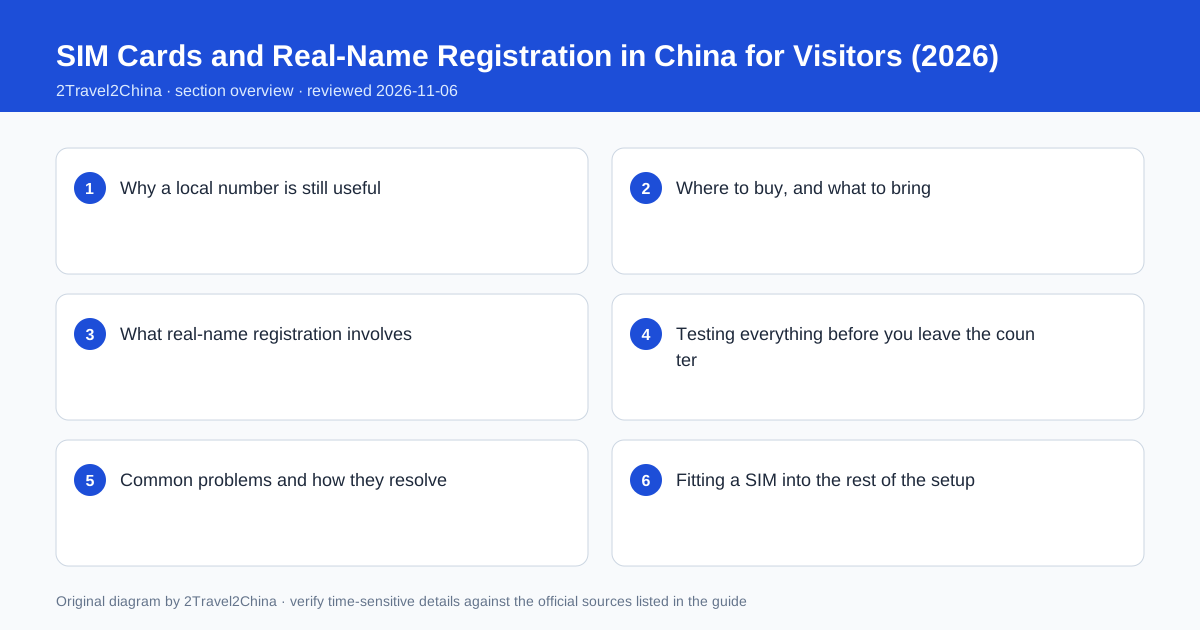
Why a local number is still useful
A visitor can manage with a data-only eSIM for maps and messaging, but several common tasks expect a number that can receive an SMS: some app registrations, hotel and attraction bookings, delivery or pickup notifications, and a driver who needs to call about a pickup point. A roaming home number can cover some of these, but a local number is the one that domestic systems recognise without friction. That is the real reason to buy a SIM, rather than the price of the data.
| Task | Data-only eSIM | Mainland SIM |
|---|---|---|
| Maps and messaging | Works well | Works well |
| Receiving Chinese SMS codes | Usually not possible | Works |
| Driver calling about pickup | Depends on the home number | Works |
| Domestic app registration | Sometimes blocked | Much smoother |
| Bank codes from home | Needs the home SIM active | Needs the home SIM active |
Note the last row: a mainland SIM does not replace the home number for a bank that sends codes to the number it knows. On a dual-SIM phone, the resilient arrangement is local data and a local number on one line, with the home SIM still active for incoming codes. If the phone supports only one line, decide which set of codes matters more before buying anything.
Where to buy, and what to bring
Buy from an official carrier store — a branded branch of one of the major operators, either at the airport or in the city. Avoid a reseller desk that cannot complete registration properly, and avoid buying a "tourist SIM" from an informal stall. Bring the physical passport used at the border, since the registration ties the number to that document. Some stores also ask for the entry stamp or a short form, and staff may need to photograph the document.
- An official carrier branch, not a kiosk or a marketplace stall
- The physical passport, with the entry stamp page easy to find
- The phone itself, unlocked, so staff can insert and test the SIM
- A payment method — a verified wallet or a small amount of RMB cash
- The Chinese address of your hotel if the form asks for one
Airport branches are convenient and used to foreign visitors, though the range of short-term plans may be narrower than in a city branch. City branches have more options but take time out of a sightseeing day. For a two-week trip, the airport branch is usually the better trade. Ask explicitly for a plan that suits a short stay, with data and a reachable number, rather than accepting the first long-term contract a counter offers.
What real-name registration involves
Real-name registration is a regulatory requirement: the mobile number is linked to a verified identity document. For a foreign visitor that document is the passport. The store checks it, records the name and number, and activates the SIM against that record. It is a routine administrative step rather than a special visa-like process, and it is the reason a SIM bought from an informal seller can stop working later — the registration behind it may not be valid.
Choose the official store
Look for a branded carrier branch with a service counter.
Present the passport
The name and number must match the document used at the border.
Select a short-term plan
State the length of stay and ask for data plus a reachable number.
Complete the registration
Allow staff to record the document details and activate the SIM.
Keep the receipt
It records the number, plan and store if anything needs fixing.
The activation is not always instant. Ask the staff to confirm when it will be live, and do not leave the counter until you have seen the number printed on a receipt or in the phone settings. If the plan requires an additional online identity step, ask them to complete it there. A number that appears active for data but has an incomplete registration is the awkward failure that surfaces a day later, when a verification code does not arrive.
Testing everything before you leave the counter
The single most useful minute of the whole process is the test at the counter. Insert the SIM, confirm mobile data loads a page, confirm the number itself, and ask the staff to send an SMS to it or check that one arrives. Then make one small payment or open the app you most need, so a wallet or bank challenge happens while someone who can help is standing in front of you.
| Test | How | What a failure means |
|---|---|---|
| Mobile data | Load a web page with Wi-Fi off | APN or plan not activated |
| Number visible | Check phone settings or the receipt | Registration may be incomplete |
| Incoming SMS | Have the store or a friend send one | SMS not enabled on the plan |
| Wallet still works | Make a small payment | Card or passport record needs attention |
| Home line still active | Check the second SIM is not disabled | Bank codes would be lost |
Also check that installing the local SIM did not disable the home line on a dual-SIM phone, and that the home line can still receive SMS if you are relying on it for bank approvals. Two minutes of testing here is worth far more than an hour of troubleshooting in a hotel room later. Keep the receipt with the passport, because it is the reference you need if the SIM is lost or stops working.
Common problems and how they resolve
The common issues are mundane. An APN setting may not be applied automatically, leaving data off. A plan may be data-only despite being sold as a general SIM. A phone locked to a home carrier will reject the SIM outright. A passport name with hyphens or spacing differences can slow the registration check. And a plan bought for a month may expire before a long trip ends if the validity was misread.
- No data: ask the store to set the APN and restart the phone
- No SMS: confirm the plan includes SMS and a reachable number
- SIM rejected: check whether the phone is carrier-locked
- Name mismatch: show the passport biographical page and ask staff to copy it exactly
- Plan expiry: confirm the validity end date on the receipt, not verbally
If a problem persists, return to the same store with the receipt rather than buying a second SIM. The registration record is tied to that transaction, and staff can correct an APN, a plan type or a document detail quickly. Buying again creates a second number and a second registration, which is the opposite of simplification.
Fitting a SIM into the rest of the setup
A mainland SIM works best as one layer in a larger setup rather than as a replacement for everything. Keep both payment wallets verified against the passport, keep offline maps and Chinese addresses, keep a home line active for bank codes where the phone allows it, and carry a small amount of cash. The SIM supplies cheap data and a local number; the rest of the system supplies resilience when one component fails.
Before departure
Verify both wallets, link two cards, download offline maps and translation.
On arrival
Buy the SIM at an official store, register with the passport, test data and SMS.
Same afternoon
Make one small payment and generate a metro transit code.
During the trip
Keep the home line reachable for bank codes and carry a power bank.
At the end
Note the number in case a booking still references it after departure.
For a short single-city trip, all of this may be unnecessary and a travel eSIM is enough. For a longer multi-city route, a local number removes a steady trickle of small friction. Judge it by the shape of the itinerary rather than by a checklist of "essential" items — and confirm current plan terms with the carrier, because offers and registration practice change.
Mobile plans, registration practice and visitor eligibility are set by carriers and regulators and do change. Buy from an official carrier store, test data and SMS at the counter, and confirm current requirements against first-party carrier and government sources.
Frequently asked questions
Can a tourist buy a SIM card in China?
Yes, at an official carrier store with a physical passport. The number is registered under real-name rules against that document, so buy from a branded branch rather than an informal kiosk.
Do I need a Chinese phone number for a short trip?
Not always. A data-only eSIM plus a roaming home number covers many short trips. A local number becomes useful for domestic app registrations, SMS verification and drivers calling about a pickup point.
What should I test before leaving the carrier store?
With Wi-Fi off, load a web page, confirm the number is visible, receive a test SMS, and make one small payment. Also check the home line still works if the phone has two active SIMs.
Will a mainland SIM receive codes from my home bank?
No. Your bank sends codes to the number it already holds. Keep the home SIM active for those, or switch the bank to app-based approval before departure.
What if my phone is locked to my home carrier?
It will reject a mainland SIM. Check the lock status before travelling, or use a travel eSIM if the device supports one and is unlocked for eSIM activation.